When you text customers from a business number, some of them will call it back. That's a good thing, as long as the call goes somewhere useful.
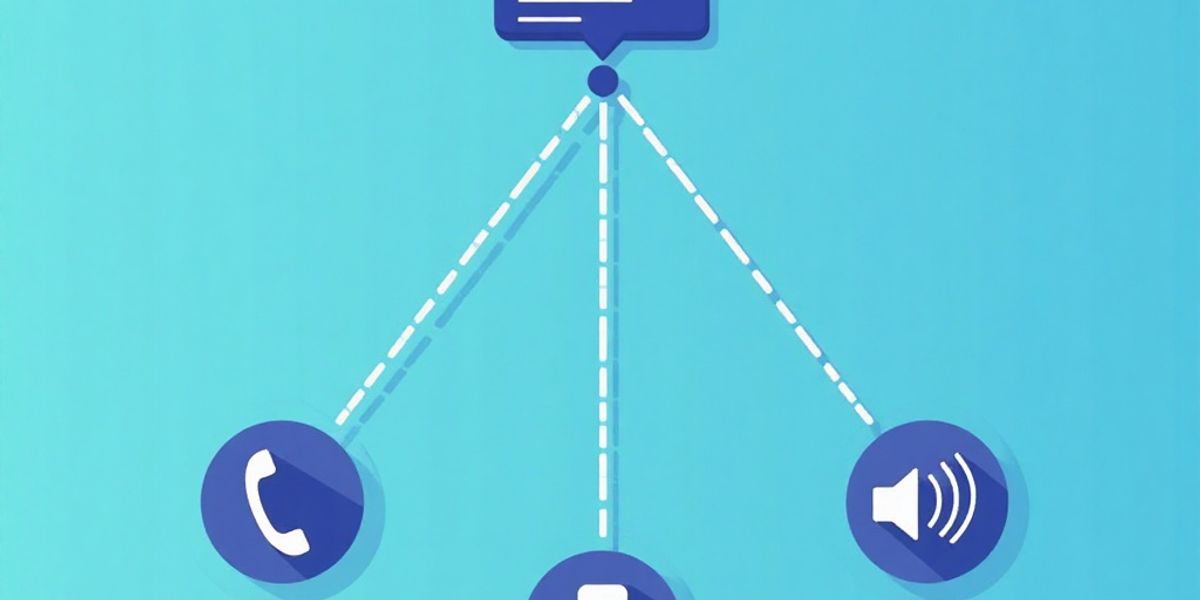
With a DataFlows SMS + Voice number, you choose what callers get. You can forward the call to any phone, play a phone menu or play a spoken message, such as your opening hours.
This guide explains business call forwarding, phone menus and spoken messages, when to use each one, and how to set up call handling.
What Is Call Forwarding?
Call forwarding is a phone feature that sends calls made to one number on to another phone. The caller dials your business number and the call rings somewhere else, such as a staff mobile, an office landline or whoever is on call that week. The caller doesn't need a different number, and the person answering doesn't need to be at a desk. Call forwarding is often combined with two related features. A phone menu, sometimes called an IVR, offers callers choices such as "press 1 for sales". A spoken message answers the call with information, like opening hours or a holiday closure notice. With DataFlows, all three options are available on your Australian SMS + Voice number and are set up in the app, under Voice, in a few clicks. The same number also sends and receives your SMS, so customers can text or call the one business number.
Why Call Handling Matters for Australian Businesses
Every SMS you send from a dedicated number is an invitation to reply, and some customers reply with a call. If that call goes unanswered, or reaches a number that isn't set up, you lose the conversation and maybe the customer.
Good call handling also means you don't need a separate phone system just to cover a business number. Teams that work from mobiles, such as trades, mobile health services and field teams, can share one number while calls ring on their own phones.
And it helps outside business hours. A spoken message can tell callers when you open, or calls can be forwarded to whoever is on call.
Key Benefits
- One business number for texts and calls: customers don't need to remember two numbers.
- Answer on any phone: forward calls to a mobile or landline.
- Guide callers: a phone menu sends people to the right place.
- Inform without answering: a spoken message covers opening hours and closures.
- Visibility: incoming calls appear in your call log with their duration and cost.
Your Three Call Handling Options
| Option | What the caller gets | Good for |
|---|---|---|
| Forward the call | The call rings on another phone you choose | Teams who answer on mobiles, on-call staff |
| Phone menu | A menu such as "press 1 for sales" | Businesses with more than one team or service |
| Spoken message | A message read out, such as your opening hours | After hours, holidays, numbers used only for sending |
Forward the call
Forwarding is the simplest option. Calls to your business number ring on the phone you choose, so a sole trader can answer on their mobile and a team can point the number at the person covering calls.
Play a phone menu
A phone menu greets callers and lets them choose, for example "press 1 for sales". It's a good fit if different people handle different enquiries, or if you want to give callers information before they reach someone.
Play a spoken message
A spoken message answers the call and reads out the information you've written. It suits numbers that are mainly used for sending reminders, after-hours periods and holiday closures. A good message tells the caller who they've reached, what to do next and when you're available.
How to Set Up Call Handling
- Get an SMS + Voice number. Email [email protected] to switch voice on, then buy a number under Voice, then Buy a voice number. It's $10 a month.
- Open call handling. Go to Voice in the app and choose what callers get when they ring your number.
- Pick forward, phone menu or spoken message, and fill in the details.
- Test it. Call your number from another phone and check what happens.
- Check the call log. Incoming calls appear alongside the calls you place.
Call handling is set in the app, not through the API. If you use your number for number masking, anyone who calls it outside a masked session gets your normal call handling.
Spoken Message Examples
- After hours: "Thanks for calling Coastline Plumbing. We're open 7am to 5pm, Monday to Friday. For non-urgent requests, text this number and we'll reply when we open."
- Holiday closure: "Thanks for calling Bayside Physio. The clinic is closed until Monday the 4th of January. To book, visit our website or text this number."
- Sending-only number: "Thanks for calling Main Street Pharmacy. This number sends order updates. To speak with us, please call the pharmacy on our main number."
Write the message the way you'd say it. Our guide to text-to-speech phone calls has more tips on writing for the ear.
After-Hours and On-Call Calls
Many businesses want different handling at night or on weekends. Two common approaches work well:
- Forward to the on-call phone: point your number at whoever is covering after hours, and update it when the roster changes.
- Play an after-hours message: tell callers your opening hours and invite them to text the number instead.
For urgent alerts that need to reach staff, see our guide to on-call escalation by SMS.
Choosing the Right Option for Your Business
- Sole traders and tradies: forward calls to your mobile so you never miss a job enquiry, even when you're on site.
- Clinics and practices: a phone menu can separate new bookings from existing patients, or a spoken message can point callers to your main reception number.
- Retail and hospitality: a spoken message with opening hours answers the most common question without anyone picking up.
- Field and delivery teams: forward calls to whoever is coordinating that day.
- Numbers used mainly for reminders: a short spoken message tells callers how to reach you, and invites them to text instead.
Planning a Phone Menu
A phone menu should get callers to the right place quickly. Before you set one up, write down the three most common reasons people call you. Those become your options, in order of how often they come up.
Keep the greeting short, say each option once, and put the most popular choice first. Test the menu by calling it yourself, and ask a colleague to try it too. If they hesitate, simplify it.
What Incoming Calls Cost
Incoming calls are charged at the same per-minute rate as the calls you place: 3 credits per started minute. That's 10.5c a minute on Mini, 9c on Pro and 7.5c on Business. For forwarded calls, the charge is based on the time the call is connected. Receiving SMS replies on your number stays free.
How DataFlows Helps
- One Australian number: texts, automated calls, masked calls and incoming calls on one SMS + Voice number.
- Set up in the app: no phone system to install or configure.
- Pay as you go: calls use the same credits as SMS, and credits never expire.
- Free inbound SMS: customers can text the same number at no cost to you.
See everything voice can do on the DataFlows voice calls page.
Best Practices
- Never leave a number unhandled: if it sends texts, decide what happens when people call it.
- Keep menus short: two or three choices are easier to follow than six.
- Say who they've reached first: callers want to know they've dialled the right business.
- Update messages for holidays: an out-of-date message is worse than none.
- Tell callers they can text: many customers prefer it, and inbound SMS is free.
Frequently Asked Questions
Can I forward calls to a landline?
Yes. You can forward calls to any phone.
Do I set call handling through the API?
No. Call handling is set in the app under Voice.
Can customers still text the number?
Yes. Your SMS + Voice number receives texts and calls, and receiving texts is free.
What does a forwarded call cost?
Forwarded calls are charged at your pack's per-minute rate, 3 credits per started minute, based on the time the call is connected. That's from 7.5c a minute on the Business pack.
Can I change my call handling later?
Yes. Call handling is set in the app, so you can switch between forwarding, a phone menu and a spoken message whenever your needs change.
Conclusion
Your business number should work as hard for incoming calls as it does for outgoing texts. Forward calls to the right phone, guide callers with a menu or answer with a clear message, all from the DataFlows app.
Create your DataFlows account and email [email protected] to switch voice on.